My first computer was a clunky desktop in my dad’s office, where I spent hours figuring out how to make the screen stop flickering. That machine taught me patience—and that tech problems, no matter how frustrating, always have a solution. Now, I run this site to break down the chaos of computing into clear, actionable steps, whether it’s troubleshooting a stubborn glitch or mastering a new tool. If there’s one thing I’ve learned, it’s that the right guide can turn confusion into confidence.
💥 Quick Answer Microsoft Office in Windows 10 is installed by default in the C:\Program Files or C:\Program Files (x86) folder, depending on your system architecture (64-bit or 32-bit). Individual apps like Word, Excel…
💥 Quick Answer To find the Slide Master in PowerPoint, navigate to the View tab in the ribbon, then click Slide Master —this opens the Master View, where you can edit layouts, fonts, and background designs for all…
💥 Quick Answer Arrow keys on a keyboard are typically located in the bottom-right corner, forming a cluster of four directional buttons (up, down, left, right) near the spacebar and Ctrl/Alt keys, though their placement…
💥 Quick Answer The eyedropper in PowerPoint is located in the Home tab under the Font group, accessible via the small eyedropper icon next to text color options. It lets you match colors by clicking on an existing…
💥 Quick Answer The slide navigation pane in PowerPoint appears on the left side by default, displaying your slide thumbnails for easy rearranging, viewing, and transitions. If hidden, press Ctrl+Shift+N or check the…
💥 Quick Answer The thumbnail pane in PowerPoint appears on the left side of the presentation window by default, showing slide previews for easy navigation. If missing, enable it via the View tab under Slide Pane or…
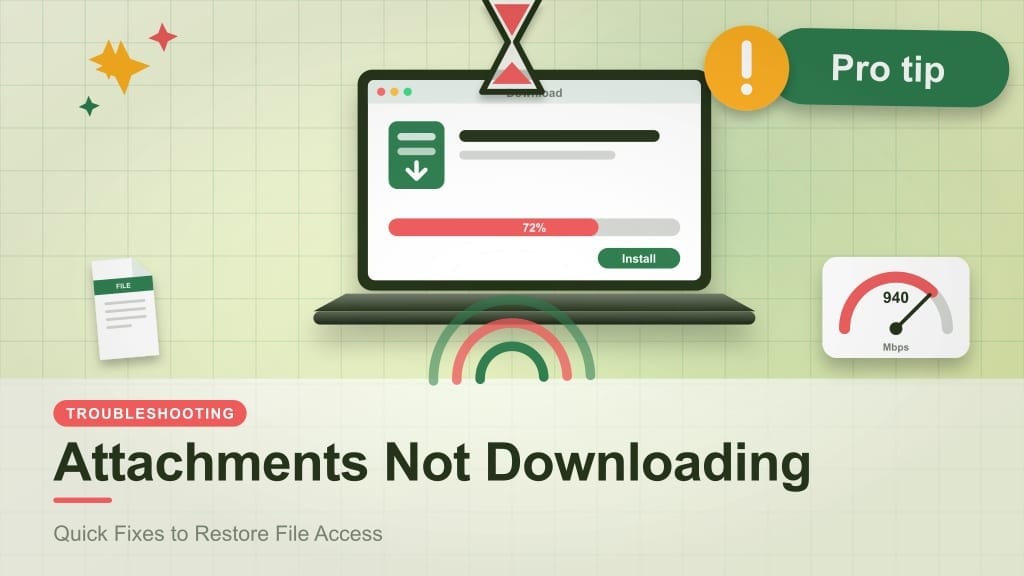
Why are my attachments not downloading—after that last Windows update, I spent hours chasing red herrings before finding the real culprit. ⚡ The issue could be your email client’s cache, a misconfigured security setting…
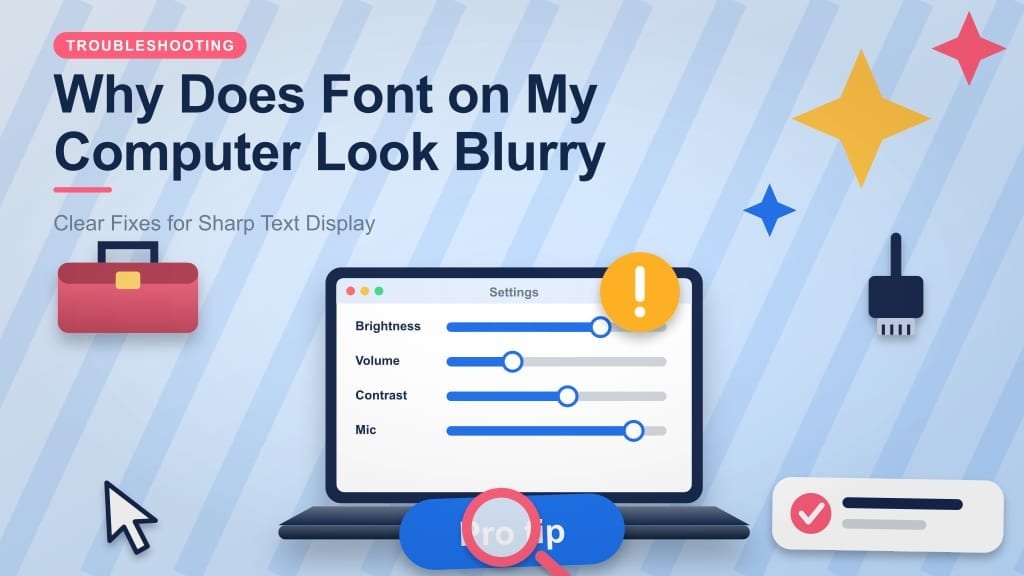
💥 Quick Answer When font on your computer looks blurry, it’s usually due to incorrect display scaling, outdated graphics drivers, or unsupported font smoothing settings. Adjusting scaling, updating drivers, or enabling…
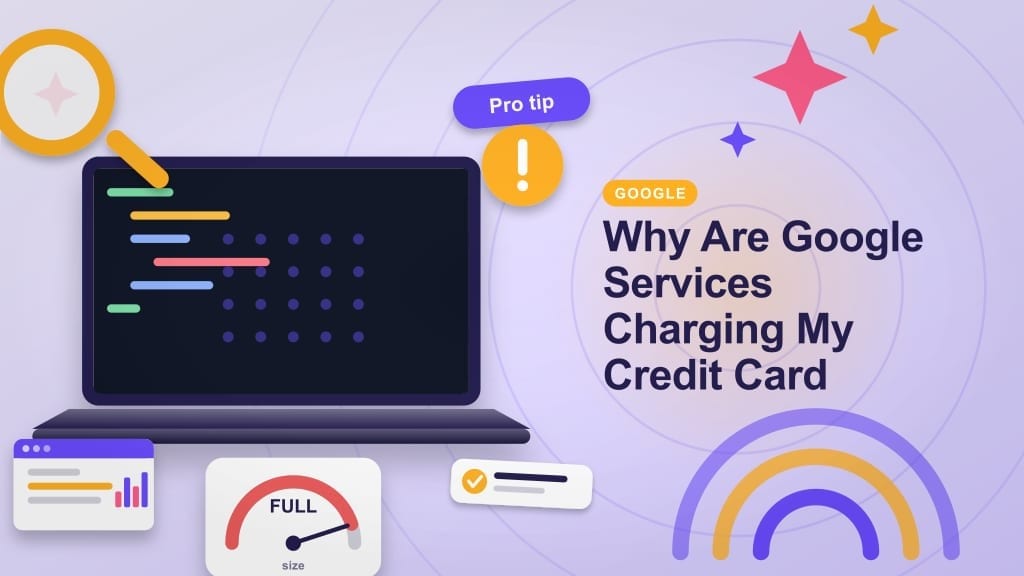
💥 Quick Answer Google Services charges your credit card for subscriptions like Google One storage, Google Play purchases, YouTube Premium, or accidental app renewals tied to your payment method. Review your Google…
Why is my Microsoft Office not installing—again—after wasting three hours on a fresh Windows 11 PC, with the same error code 30038-4-10000001 striking like déjà vu. ⚡ Most people hit this same brick wall when Office…