Skip to content
Calendar Tips

Calendar Tips

  • All Articles
  • App
  • C++
  • Coding
  • More
    • Discord
    • Excel
    • Hardware
    • Microsoft Office
    • Operating System
    • Outlook
    • PowerPoint
    • Review
    • Software
    • Tip & Trick
    • Troubleshooting
    • Windows

PowerPoint

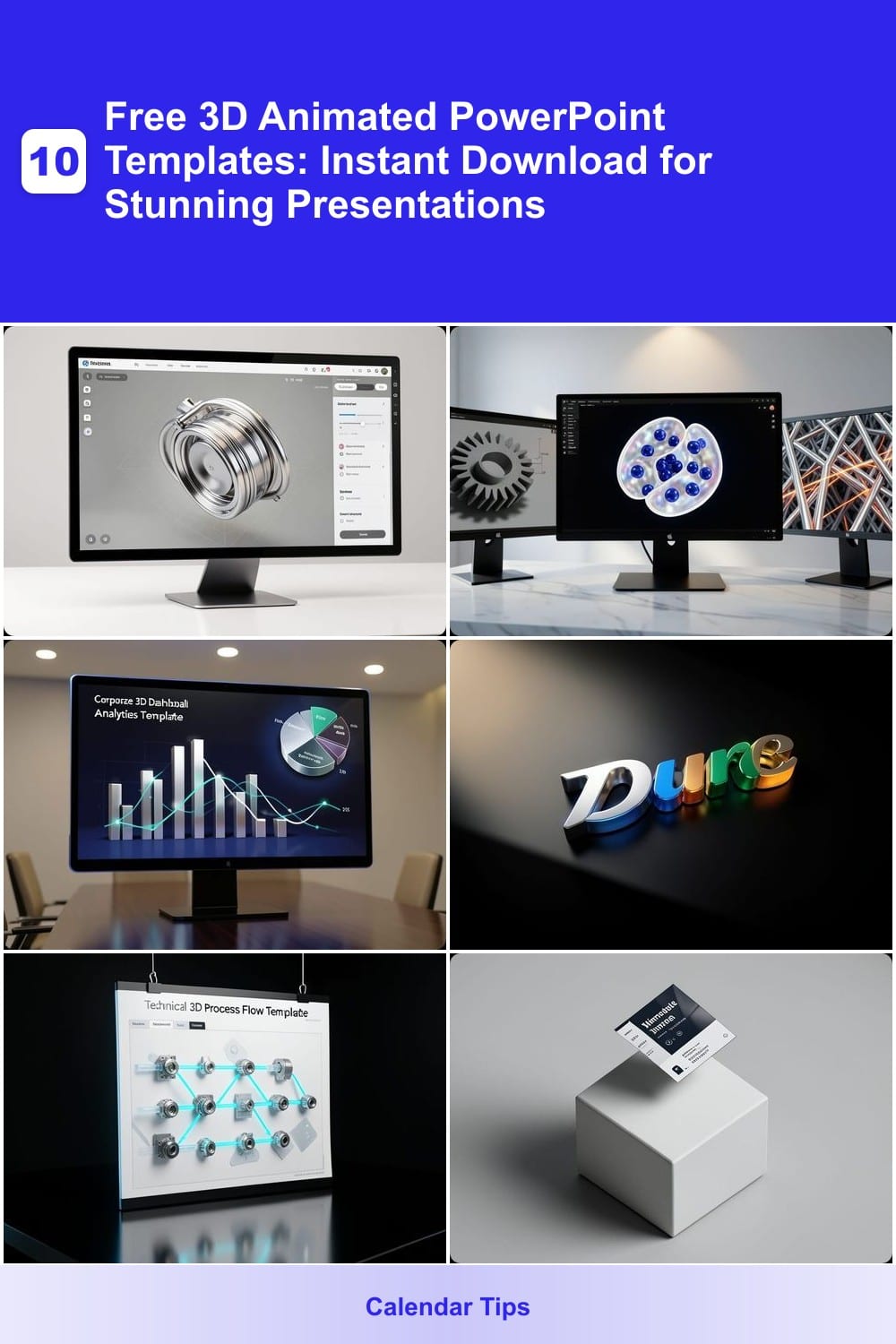
10 Free 3D Animated PowerPoint Templates: Instant Download for Stunning Presentations
October 10, 2026 by Shawna Halloran
10 Free 3D Animated PowerPoint Templates: Instant Download for Stunning Presentations

Elevate your presentations with these 10 free 3D animated PowerPoint templates that require no design skills. Perfect for business professionals, educators, and creatives seeking instant visual impact without the cost of…
Read more

Categories PowerPoint

PowerPoint Undo Shortcuts: Keyboard Tricks to Fix Mistakes Instantly

November 19, 2026 by Shawna Halloran
PowerPoint Undo Shortcuts: Keyboard Tricks to Fix Mistakes Instantly

To undo in PowerPoint, just hit Ctrl+Z on Windows or Cmd+Z on Mac—it’s the fastest way to fix mistakes ⚡. I’ve used this shortcut thousands of times, and it works instantly for everything from deleted slides to misplaced…

Read more

Categories PowerPoint

How to Animate Text in PowerPoint: Dynamic Effects That Grab Attention

October 9, 2026 by Shawna Halloran
How to Animate Text in PowerPoint: Dynamic Effects That Grab Attention

Animating text in PowerPoint isn't just possible—it's the secret weapon behind presentations that actually hold attention. 💡 I remember my first time trying this back in 2003 when I was helping Dad demo software at a…

Read more

Categories PowerPoint

How to Apply a Template to an Existing PowerPoint: Layer-by-Layer Design Overhaul

November 17, 2026 by Shawna Halloran
How to Apply a Template to an Existing PowerPoint: Layer-by-Layer Design Overhaul

Applying a template to your existing PowerPoint can transform a messy deck into a polished presentation in minutes. ⚡ I’ve done this dozens of times for clients stuck with inconsistent slide designs, and the process is…

Read more

Categories PowerPoint

How to Connect Boxes in PowerPoint: Drag-and-Drop Flow With Precision Arrows

October 15, 2026 by Shawna Halloran
How to Connect Boxes in PowerPoint: Drag-and-Drop Flow With Precision Arrows

To connect boxes in PowerPoint, you don’t need to be a designer—just a few clicks and a little patience. ✨ I’ve spent hours fixing messy diagrams where connectors look like spaghetti, and the secret is using PowerPoint’s…

Read more

Categories PowerPoint

How to Continue a Slide in PowerPoint: Seamless Transitions Between Slides

November 19, 2026 by Shawna Halloran
How to Continue a Slide in PowerPoint: Seamless Transitions Between Slides

To continue a slide in PowerPoint means keeping your presentation flowing smoothly without restarting from scratch. I’ve spent hours fixing broken transitions in client decks, and the solution is simpler than most…

Read more

Categories PowerPoint

How to Copy a Shape in PowerPoint: Precision Drag-and-Drop in Seconds

October 8, 2026 by Shawna Halloran
How to Copy a Shape in PowerPoint: Precision Drag-and-Drop in Seconds

Copying a shape in PowerPoint doesn’t have to be a guessing game—it takes less than 10 seconds once you know the right moves. I’ve spent hours watching colleagues struggle with accidental groupings or lost formatting…

Read more

Categories PowerPoint

How to Download PowerPoint on iPad: One-Tap Access for Presentations On the Go

October 6, 2026 by Shawna Halloran
How to Download PowerPoint on iPad: One-Tap Access for Presentations On the Go

Downloading PowerPoint on your iPad isn’t just about getting the app—it’s about unlocking the ability to create, edit, and present anywhere, anytime. ✨ I’ve helped dozens of users (including my dad, who still insists on…

Read more

Categories PowerPoint

PowerPoint Shape Drawing: Precision Techniques for Perfect Geometric Shapes

November 18, 2026 by Shawna Halloran
PowerPoint Shape Drawing: Precision Techniques for Perfect Geometric Shapes

Drawing perfect geometric shapes in PowerPoint isn’t just possible—it’s foolproof once you know the secret shortcuts. ✨ I’ve spent years training new presenters, and the #1 mistake I see is using the mouse for…

Read more

Categories PowerPoint

How to Embed a File in PowerPoint: Instant Access Without IT Approval

November 19, 2026 by Shawna Halloran
How to Embed a File in PowerPoint: Instant Access Without IT Approval

To embed a file in PowerPoint means keeping everything in one place—no more digging through folders or asking IT for access. ⚡ I’ve used this trick to attach spreadsheets, PDFs, and even videos directly into…

Read more

Categories PowerPoint
Page1Page2Page3Next →

About Me

Shawna Halloran

Shawna Halloran
My first computer was a clunky desktop in my dad’s office, where I spent hours figuring out how to make the screen stop flickering. That machine taught me patience—and that tech problems, no matter how frustrating, always have a solution. Now, I run this site to break down the chaos of computing into clear, actionable steps, whether it’s troubleshooting a stubborn glitch or mastering a new tool. If there’s one thing I’ve learned, it’s that the right guide can turn confusion into confidence.

Learn more

Recent Posts

  • Windows 10 Drivers Download 64-Bit: Direct Links for Latest Certified Versions
    Windows 10 Drivers Download 64-Bit: Direct Links for Latest Certified Versions
  • Can You Use Google Authenticator for Microsoft Account: Security Setup Steps Explained
    Can You Use Google Authenticator for Microsoft Account: Security Setup Steps Explained
  • How to Set Up Outlook on Galaxy Watch 4: Sync Emails in Minutes Without Your Phone
    How to Set Up Outlook on Galaxy Watch 4: Sync Emails in Minutes Without Your Phone
  • How to Download a Word Document as a PDF: Instant Conversion Without Losing Formatting
    How to Download a Word Document as a PDF: Instant Conversion Without Losing Formatting
  • DirectX Setup Could Not Download File: 5 Quick Fixes to Restore Installation
    DirectX Setup Could Not Download File: 5 Quick Fixes to Restore Installation
  • All Guides
  • About
  • Contact
  • Privacy Policy
  • Cookie Policy
  • Terms of Use
© 2026 calendartips.click