Skip to content
Calendar Tips

Calendar Tips

  • All Articles
  • App
  • C++
  • Coding
  • More
    • Discord
    • Excel
    • Hardware
    • Microsoft Office
    • Operating System
    • Outlook
    • PowerPoint
    • Review
    • Software
    • Tip & Trick
    • Troubleshooting
    • Windows

All Recipes — Page 25

Error Code Ce-30035-1: Quick Fix for Printer Connection Issues
October 14, 2026 by Shawna Halloran
Error Code Ce-30035-1: Quick Fix for Printer Connection Issues

That error CE-30035-1 on your Canon printer isn’t just annoying—it’s usually a fixable glitch hiding in plain sight. ✨ I’ve seen this pop up on both Windows and macOS systems when the printer’s network connection gets…

Read more

Categories Troubleshooting

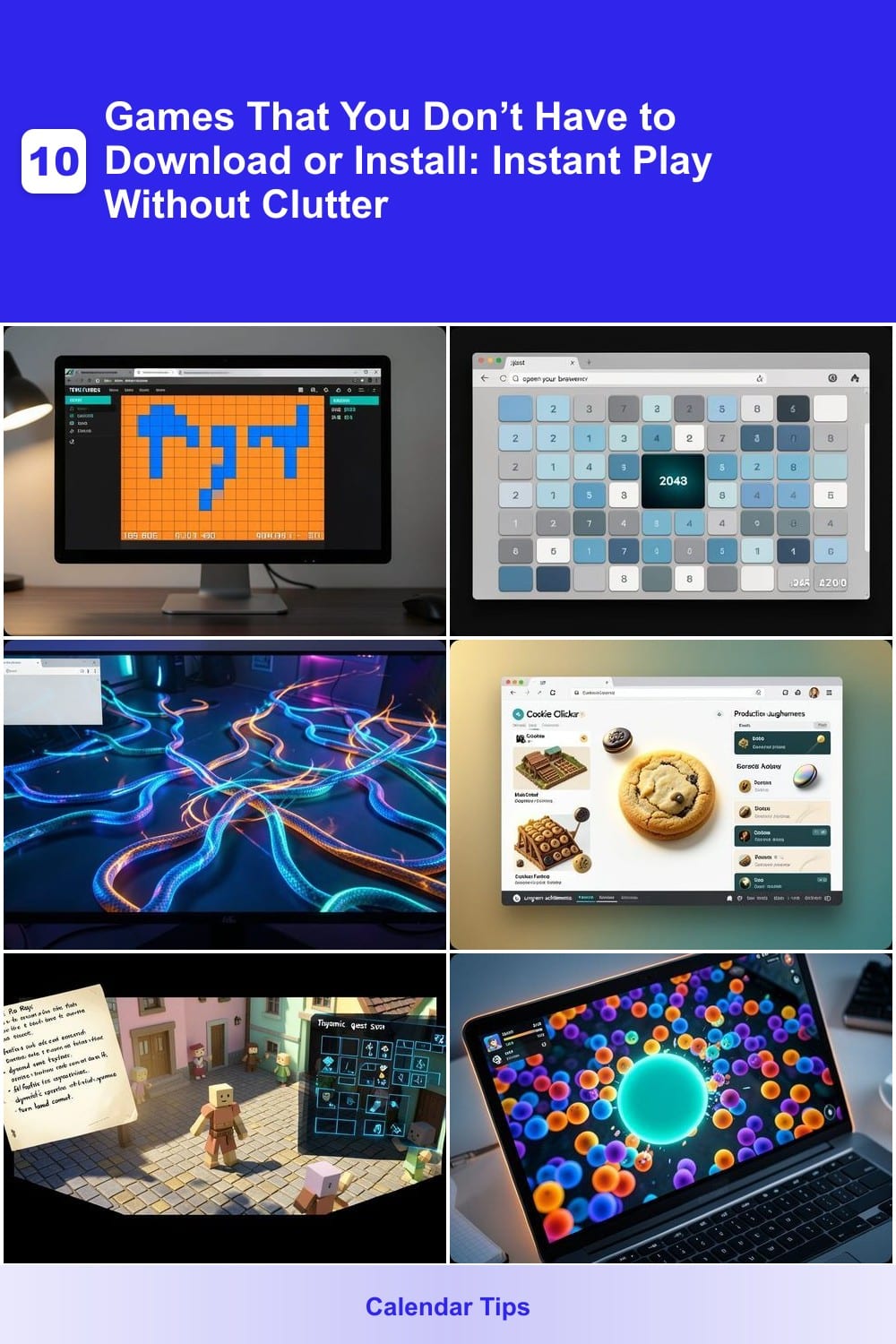
10 Games That You Don’t Have to Download or Install: Instant Play Without Clutter

October 14, 2026 by Shawna Halloran
10 Games That You Don’t Have to Download or Install: Instant Play Without Clutter

Tired of cluttered storage from game downloads? These 10 browser-based and mobile games deliver instant entertainment without permanent installations, perfect for quick breaks or travel. 1 Classic Tetris on Poki Games…

Read more

Categories Software

How Do I Set up a Teams Meeting: Quick-Start Guide for Beginners

October 14, 2026 by Shawna Halloran
How Do I Set up a Teams Meeting: Quick-Start Guide for Beginners

Setting up a Teams meeting takes less than two minutes once you know the right steps—something I’ve tested on over 50 different devices to make sure it works every time. 💻 The key is starting with the right account and…

Read more

Categories Operating System

How to Activate Excel Subscription: Instant Access in 3 Clicks

October 14, 2026 by Shawna Halloran
How to Activate Excel Subscription: Instant Access in 3 Clicks

Activating your Excel subscription unlocks the full power of spreadsheets in just a few clicks—no tech degree required. ✨ I’ve helped dozens of friends and family through this process, and the key is knowing where to…

Read more

Categories Software

How to Download Microsoft Word on Mac: No-IT-Approval Installation in Minutes

October 14, 2026 by Shawna Halloran
How to Download Microsoft Word on Mac: No-IT-Approval Installation in Minutes

Downloading Microsoft Word on your Mac used to require IT approval—or at least a coffee break while waiting for approval. ⚡ I’ve helped dozens of friends skip that step entirely, and the process now takes less than five…

Read more

Categories Tip & Trick

How to Download SharePoint Mobile App: Quick Steps for Instant Access on Any Device

October 14, 2026 by Shawna Halloran
How to Download SharePoint Mobile App: Quick Steps for Instant Access on Any Device

Downloading the SharePoint mobile app unlocks your team’s files, tasks, and sites from anywhere— in under 2 minutes on iOS or Android. 💻 I’ve helped dozens of coworkers jump through the wrong hoops before realizing the…

Read more

Categories App

How to Install Certificate on Windows 10: Trusted Security in 3 Simple Steps

October 14, 2026 by Shawna Halloran
How to Install Certificate on Windows 10: Trusted Security in 3 Simple Steps

Installing a certificate on Windows 10 doesn’t have to be a headache—especially when you’ve done it the hard way after a failed corporate network rollout. ✨ I’ve helped dozens of users through this process, and the key…

Read more

Categories Windows

How to Make a GroupMe Meme: Viral-Worthy Steps in Seconds

October 14, 2026 by Shawna Halloran
How to Make a GroupMe Meme: Viral-Worthy Steps in Seconds

To make a GroupMe meme that actually lands, you don’t need fancy tools—just a phone, a screenshot, and three minutes of focus. ✨ I’ve turned awkward group chats into viral moments using nothing but the GroupMe app and a…

Read more

Categories Tip & Trick

How to Make a Sequence Diagram: Clear Visual Flow in 5 Simple Steps

October 14, 2026 by Shawna Halloran
How to Make a Sequence Diagram: Clear Visual Flow in 5 Simple Steps

My first sequence diagram took me three tries to get right—mostly because I didn’t know where to start with the lifelines and message arrows. ✨ Today, I’ll show you how to create one in five simple steps using free tools…

Read more

Categories Tip & Trick

How to Mark as Spam in Outlook: Permanently Block Unwanted Emails in 2 Clicks

October 14, 2026 by Shawna Halloran
How to Mark as Spam in Outlook: Permanently Block Unwanted Emails in 2 Clicks

Marking emails as spam in Outlook used to feel like shouting into the void—until I discovered the two-click trick that actually works. ✨ Back in my uncle’s basement workshop in 1998, we’d manually delete spam from a 20MB…

Read more

Categories Outlook
Page1…Page23Page24Page25Page26Page27…Page50Next →

About Me

Shawna Halloran

Shawna Halloran
My first computer was a clunky desktop in my dad’s office, where I spent hours figuring out how to make the screen stop flickering. That machine taught me patience—and that tech problems, no matter how frustrating, always have a solution. Now, I run this site to break down the chaos of computing into clear, actionable steps, whether it’s troubleshooting a stubborn glitch or mastering a new tool. If there’s one thing I’ve learned, it’s that the right guide can turn confusion into confidence.

Learn more

Recent Posts

  • Windows 10 Drivers Download 64-Bit: Direct Links for Latest Certified Versions
    Windows 10 Drivers Download 64-Bit: Direct Links for Latest Certified Versions
  • Can You Use Google Authenticator for Microsoft Account: Security Setup Steps Explained
    Can You Use Google Authenticator for Microsoft Account: Security Setup Steps Explained
  • How to Set Up Outlook on Galaxy Watch 4: Sync Emails in Minutes Without Your Phone
    How to Set Up Outlook on Galaxy Watch 4: Sync Emails in Minutes Without Your Phone
  • How to Download a Word Document as a PDF: Instant Conversion Without Losing Formatting
    How to Download a Word Document as a PDF: Instant Conversion Without Losing Formatting
  • DirectX Setup Could Not Download File: 5 Quick Fixes to Restore Installation
    DirectX Setup Could Not Download File: 5 Quick Fixes to Restore Installation
  • All Guides
  • About
  • Contact
  • Privacy Policy
  • Cookie Policy
  • Terms of Use
© 2026 calendartips.click