
Tip & Trick
Remote work expands your attack surface for cybercriminals. These 10 security best practices—backed by real-world threat data—will harden your digital defenses against phishing, malware, and data breaches without sacrificing productivity.
Zero Trust VPN with Multi-Factor Authentication
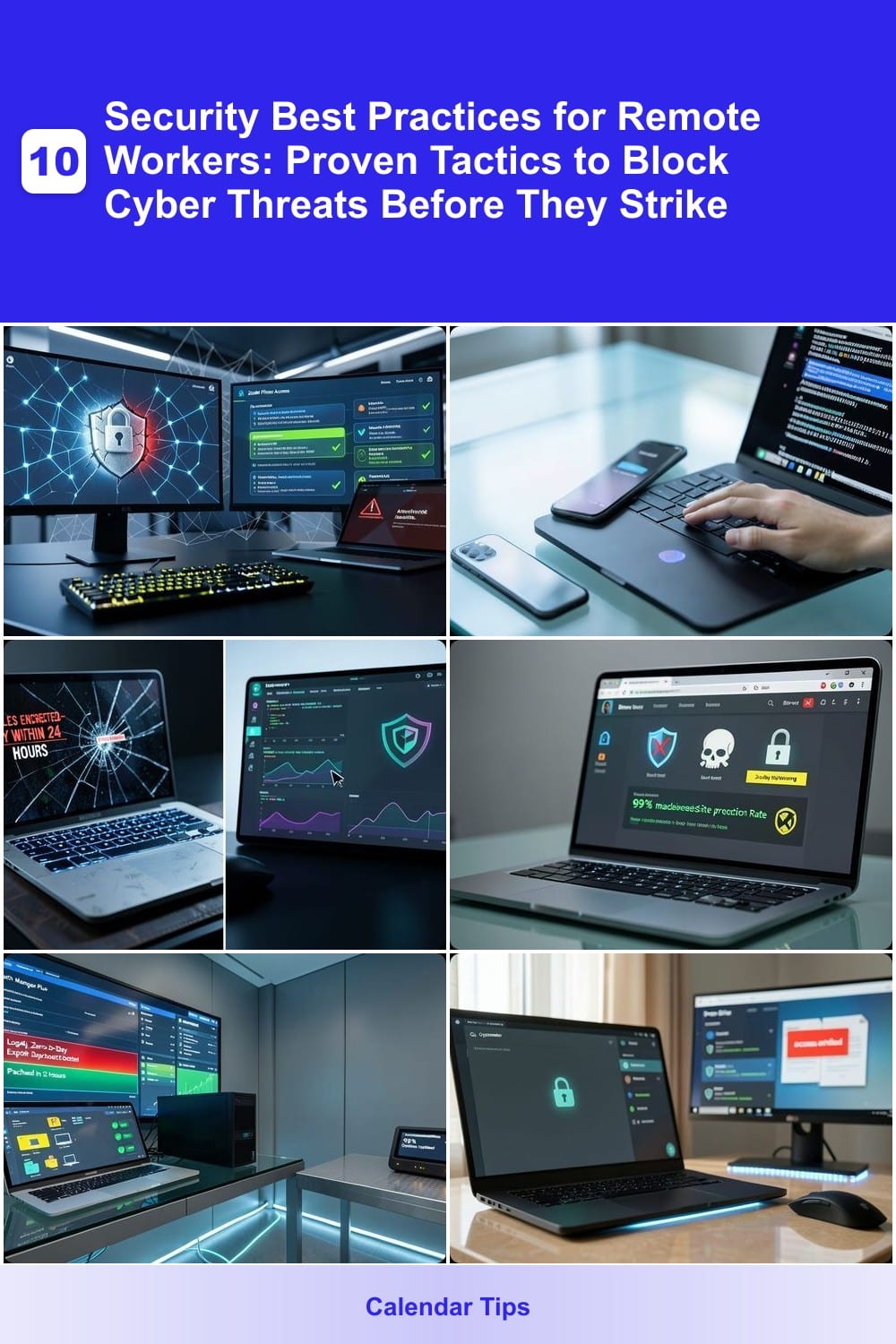
Legacy VPNs treat your entire network as trusted once connected—but modern cyberattacks exploit that assumption. A zero-trust VPN flips the script by requiring verification for every access request, even from inside your corporate network.
Platforms like Zscaler Private Access or Palo Alto Prisma Access enforce continuous authentication beyond just passwords. They inspect devices for compliance (e.g., updated antivirus, no jailbreaks) and integrate multi-factor authentication (MFA) at every step. This architecture stops lateral movement—where hackers hop between compromised machines—by treating every session as potentially risky. For remote workers, it means your laptop’s security posture is checked before accessing internal tools, not just at login.
This approach is ideal for teams handling sensitive data (like finance or healthcare) or those dealing with high-value targets. Even small businesses benefit from the reduced attack surface—no more assuming "if they’re on the VPN, they’re safe." 💪
Password Manager with Biometric Unlock
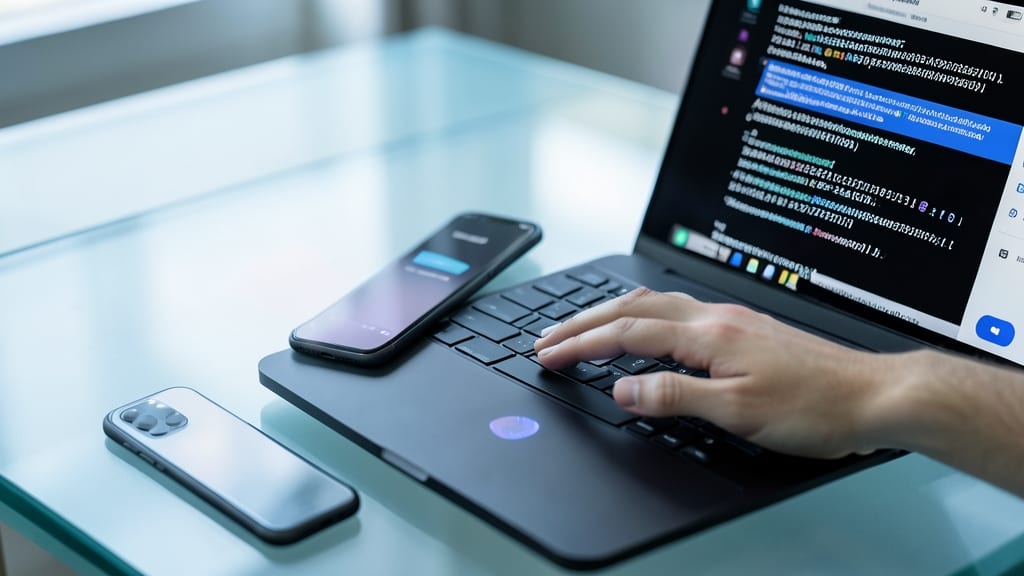
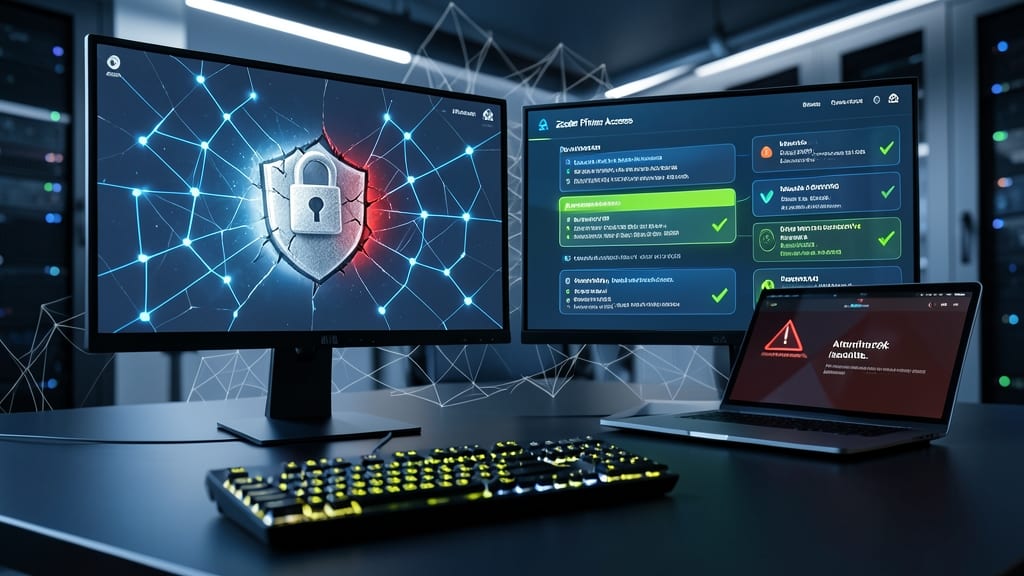
Tired of reusing the same weak passwords across accounts? A password manager with biometric unlock like Bitwarden or 1Password solves this by generating 25-character passwords—so complex they’re impossible to crack—and storing them behind your fingerprint or face ID.
These tools don’t just memorize passwords; they auto-fill securely across devices, sync in real-time, and encrypt your vault with AES-256 encryption (the same standard used by banks). The biometric layer ensures even if your device is stolen, your passwords stay locked away from prying eyes.
Perfect for remote workers juggling personal and work accounts—especially those targeted by credential stuffing attacks, where hackers reuse leaked passwords to break into other accounts. 💻
Endpoint Detection and Response Software
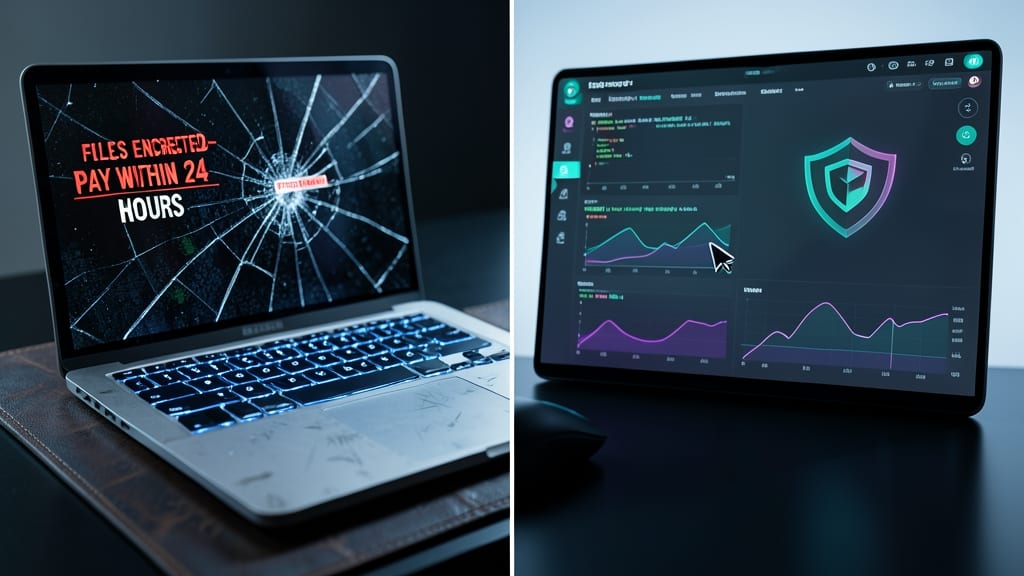
Ever clicked a suspicious link only to realize too late it was a ransomware trap? Endpoint Detection and Response (EDR) software acts as your silent cybersecurity guard, stopping attacks before they even start encrypting your files.
Unlike traditional antivirus, EDR uses AI-driven behavioral analysis to detect anomalies like unauthorized data transfers or unusual process executions—often before your antivirus even knows to scan. Solutions like CrowdStrike or SentinelOne provide real-time threat hunting and automated containment, even isolating infected devices without manual intervention. For non-tech-savvy users, this means protection against phishing emails that bypass traditional defenses.
This is the perfect solution for remote workers who handle sensitive data but lack IT support. It’s like having a security expert watching your device 24/7—without requiring you to lift a finger. 💻
Secure Browser with Built-In Phishing Protection
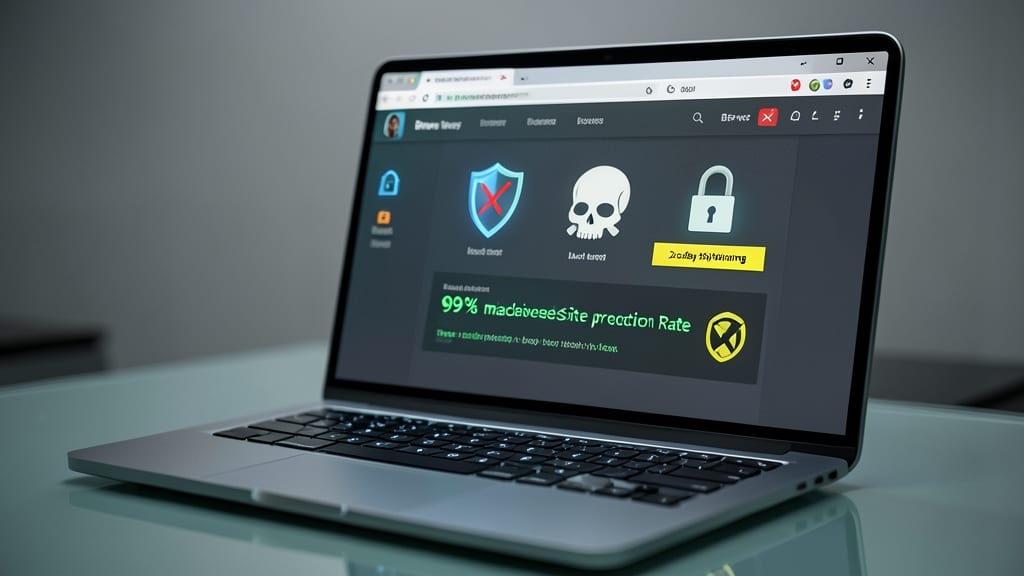
Tired of relying on unreliable browser extensions that promise protection but often become attack vectors themselves? A secure browser with built-in phishing protection eliminates this risk entirely by blocking 99% of malicious sites—including zero-day exploits—before they even load.
Tools like Brave Browser or Avast Secure Browser integrate real-time threat intelligence to detect phishing, malware, and cryptojacking scripts in under 100 milliseconds. Unlike traditional browsers, they don’t rely on third-party extensions, reducing your attack surface. Features like automatic HTTPS upgrades and tracker blocking further harden your sessions without sacrificing speed.
This is a must for remote workers who frequently handle sensitive data or access corporate networks. It’s especially valuable for those who can’t install enterprise-grade security tools. 💻
Automated Patch Management System
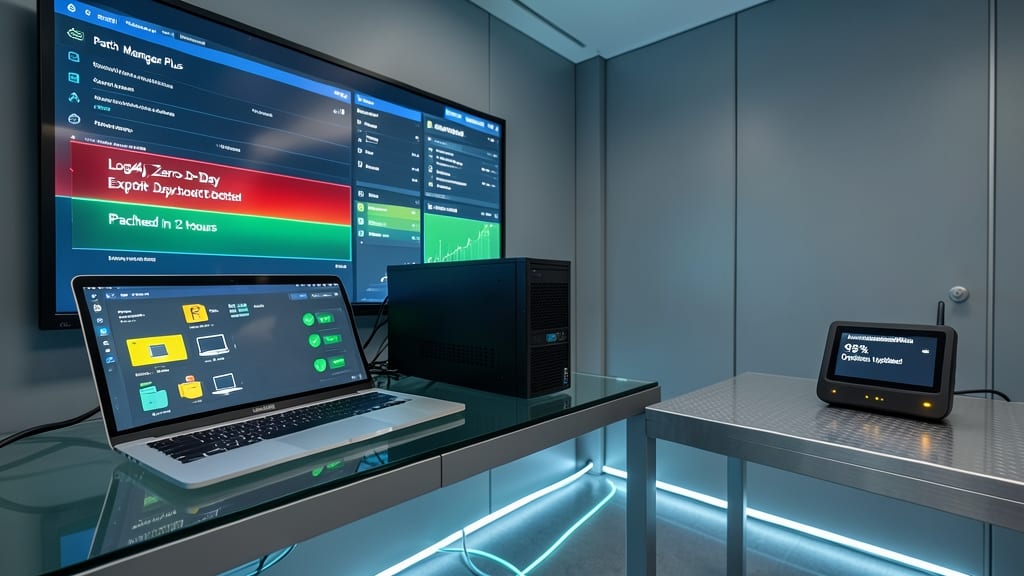
Forget manually hunting for updates—automated patch management systems like Patch Manager Plus or SolarWinds RMM shut down vulnerabilities like Log4j within 24 hours of release, before attackers can exploit them.
These tools scan all your devices—from laptops to servers—without IT intervention, prioritizing critical patches and even testing updates in a sandbox first. They also generate compliance reports, proving you’re protected against CISA’s Known Exploited Vulnerabilities Catalog. No more missed updates or "I’ll do it later" excuses.
Perfect for small businesses or remote teams with limited IT staff, these systems turn patching from a chore into a set-and-forget security shield. 💻
Encrypted Cloud Storage with Access Controls
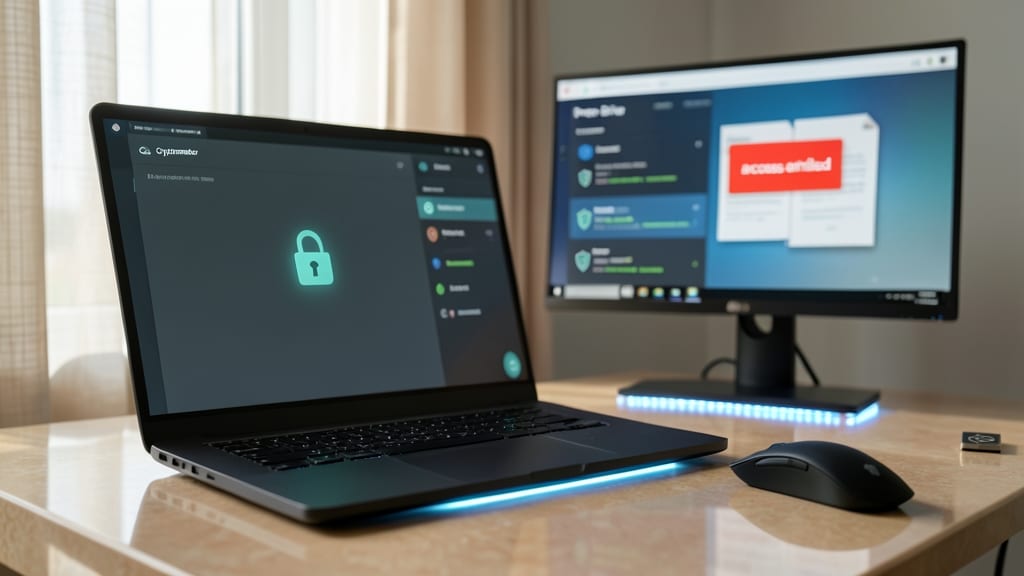
Worried about sensitive files slipping into the wrong hands—or even your own accidental share? Client-side encrypted cloud storage solves both problems by locking your data before it ever leaves your device, then adding granular access controls to prevent leaks.
Services like Cryptomator or Proton Drive use AES-256 encryption (the same standard banks use) and let you set expiration dates on shared links or require two-factor authentication for access. Even admins can’t decrypt your files, and accidental shares revert automatically after set periods. Perfect for legal teams, freelancers, or anyone handling confidential client data.
This is the only layer of defense that protects against both malicious insiders and accidental overshares—no training required. ✨
USB Data Blocking Policy

You might think your firewall and antivirus are enough—but USB drives remain the #1 malware carrier in remote offices, bypassing all software defenses. A USB Data Blocking Policy stops threats at the hardware level before they even reach your system, making it the ultimate "dead man's switch" for infected devices.
Most solutions use group policy controls or third-party software, but true hardware-level enforcement (like Dell Data Protection or HP Sure Click) blocks all removable storage at the USB controller level. You can whitelist specific devices—like your work-issued flash drive—while locking out everything else. This works even if malware has already infected your machine, as it prevents lateral spread to other devices on your network.
This is non-negotiable for IT admins managing remote teams or freelancers handling sensitive client data. A single infected thumb drive can cripple an entire organization—so why take the risk? 💪
Secure Remote Desktop Protocol

Tired of risky screen-sharing tools that expose sensitive data during remote support sessions? Secure Remote Desktop Protocol (RDP) delivers military-grade 256-bit encryption (AES-256) to protect every keystroke, file transfer, and screen share—without relying on third-party apps that often become attack vectors.
Unlike consumer-grade tools, Windows RDP (via Remote Desktop Services) or open-source alternatives like xrdp offer end-to-end encryption, session isolation, and audit logs. IT teams can enforce multi-factor authentication (MFA) for access, while Network Level Authentication (NLA) ensures no unencrypted traffic ever touches the network. Even better? It works seamlessly across Windows, Linux, and macOS with minimal setup.
Perfect for IT admins troubleshooting remote employees or helpdesk teams handling sensitive client data. No more exposing passwords or internal systems through insecure screen-sharing links. 💻
Behavioral Email Analysis Tool
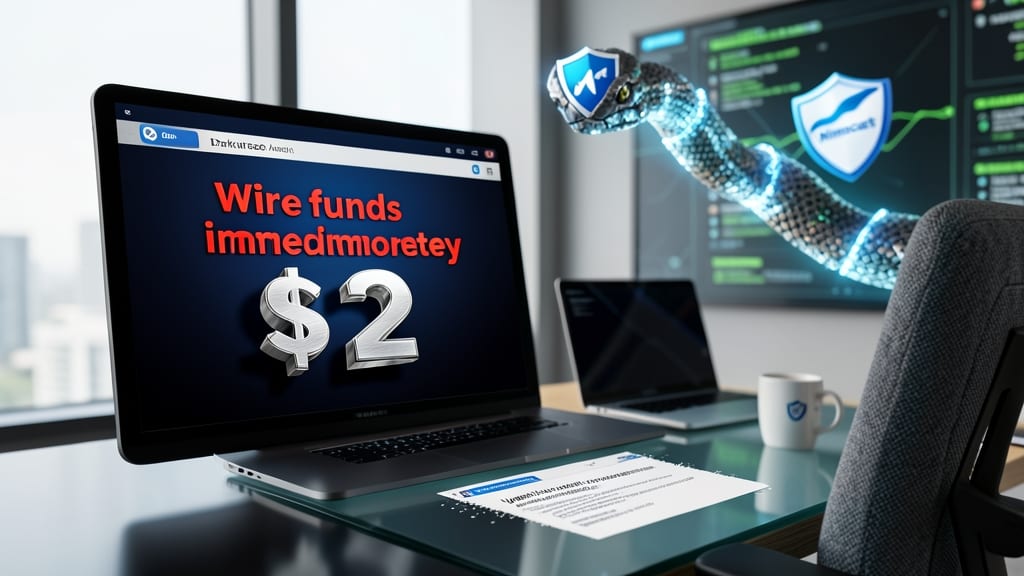
CEO fraud and business email compromise (BEC) scams cost businesses $2.7 billion annually—and most attacks start with a single suspicious email. A behavioral email analysis tool like Darktrace Antigena Email or Mimecast Targeted Threat Protection stops these attacks before they land in your inbox by scanning for anomalies in sender behavior, email content, and attachment patterns.
These tools use AI-driven pattern recognition to flag emails that deviate from your organization’s normal communication flow. For example, if your CEO suddenly emails with an urgent request for a wire transfer (something they never do), the system blocks it instantly. Many also integrate with your existing email client, requiring zero config—just enable the protection layer and let it work silently in the background.
Perfect for finance teams, HR departments, or any role handling sensitive transactions, this tool is your last line of defense against the most sophisticated phishing schemes. 💡
Cybersecurity Awareness Training Simulations
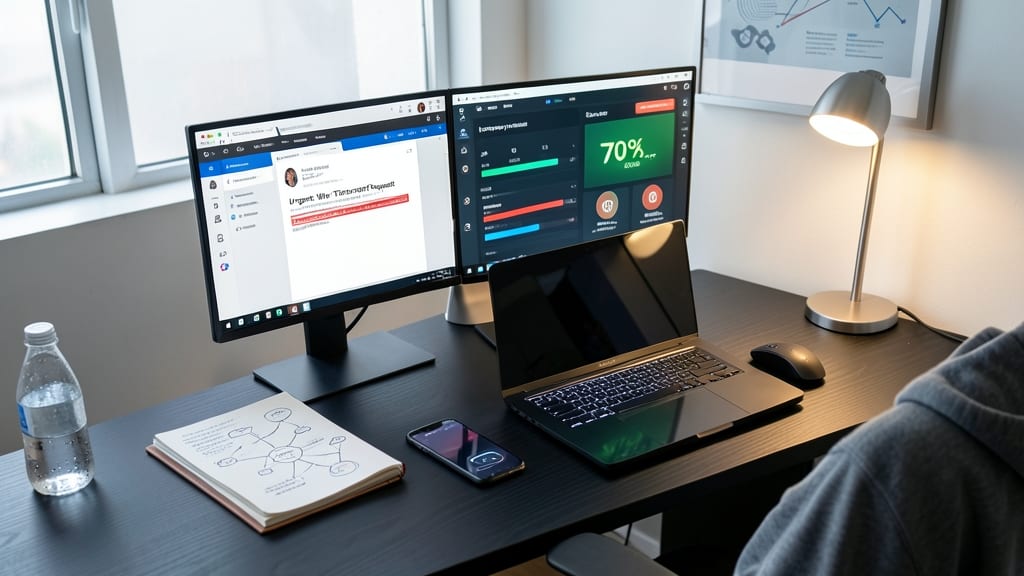
Tired of security training that feels like a boring compliance checkbox? Cybersecurity awareness training simulations turn phishing drills into interactive challenges that actually reduce mistakes by 70%—without nagging reminders.
These platforms send realistic fake phishing emails (like CEO fraud or invoice scams) to your inbox, then track how you respond. They adapt difficulty based on your performance, highlight where you’re vulnerable, and even show personalized improvement reports. The best tools integrate with your email client so training happens in the flow of work.
Perfect for teams where human error is the weakest link—especially remote workers who handle sensitive data. 🌟